The new dashboard just dropped
By: Jamie Wright
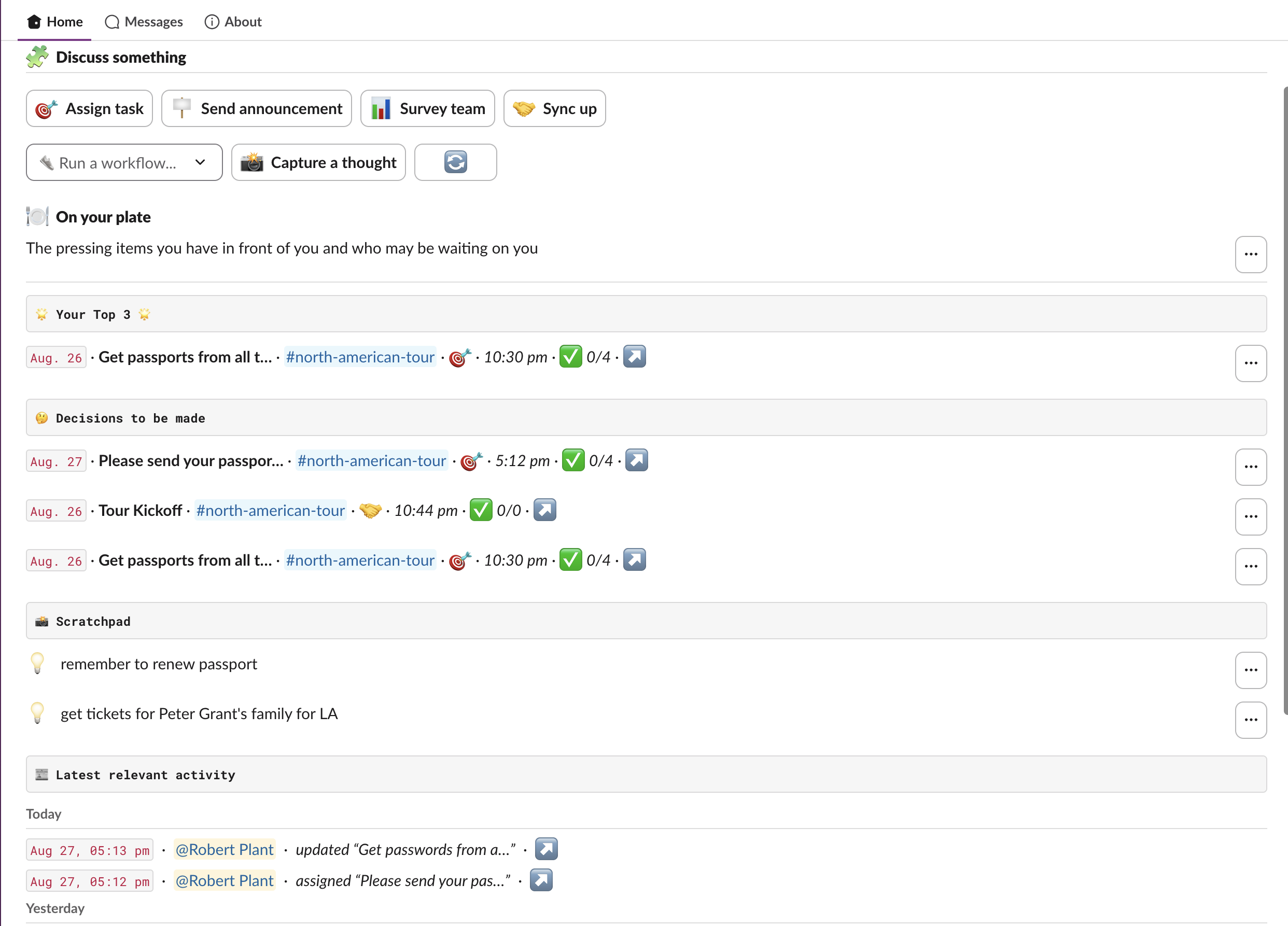
Your whole day, on Tatsu’s new Slack Home tab
Tatsu’s Home tab has been rebuilt. Instead of one filtered list, there are five views you can move between. Tatsu remembers the view you last looked at so you can efficently get back to where you left off.
The five newly redesigned views help you readily get a better grasp of the work you have in front of you.
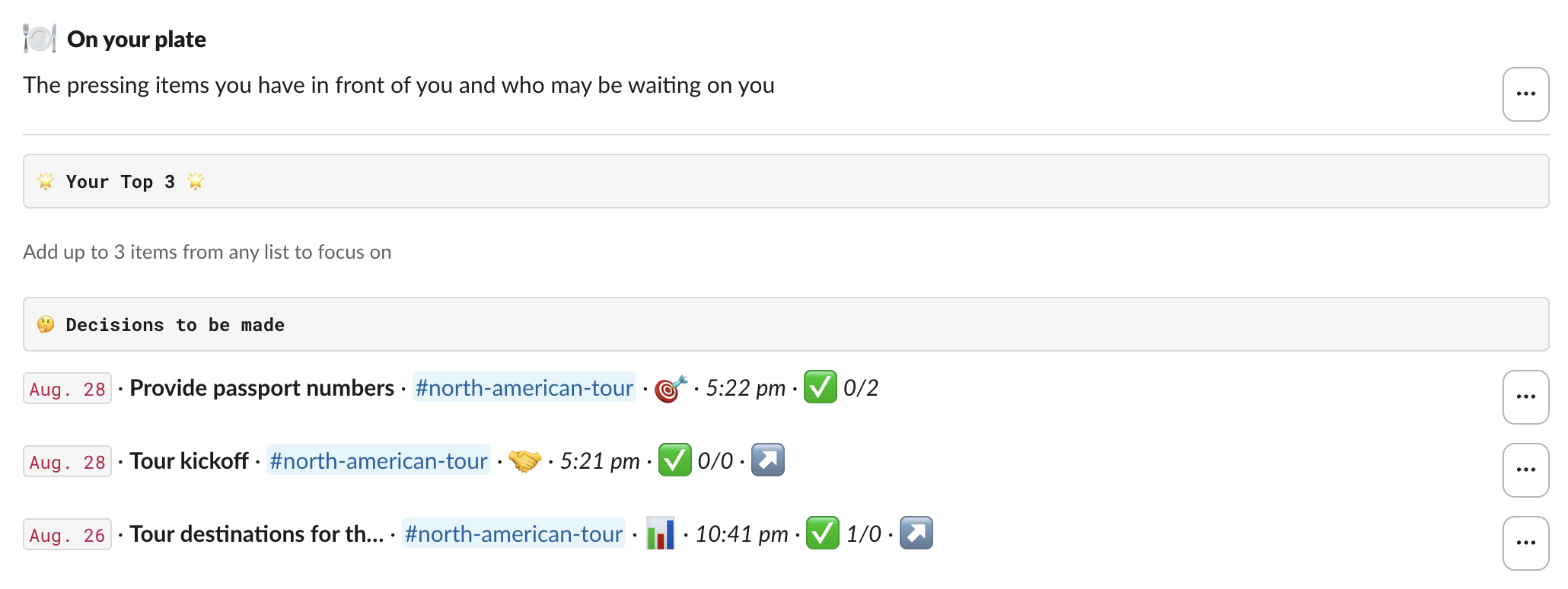
🤔 On your plate view
The pressing items in front of you, and who may be waiting on you. This is where you land to see the total view of what is pressing.
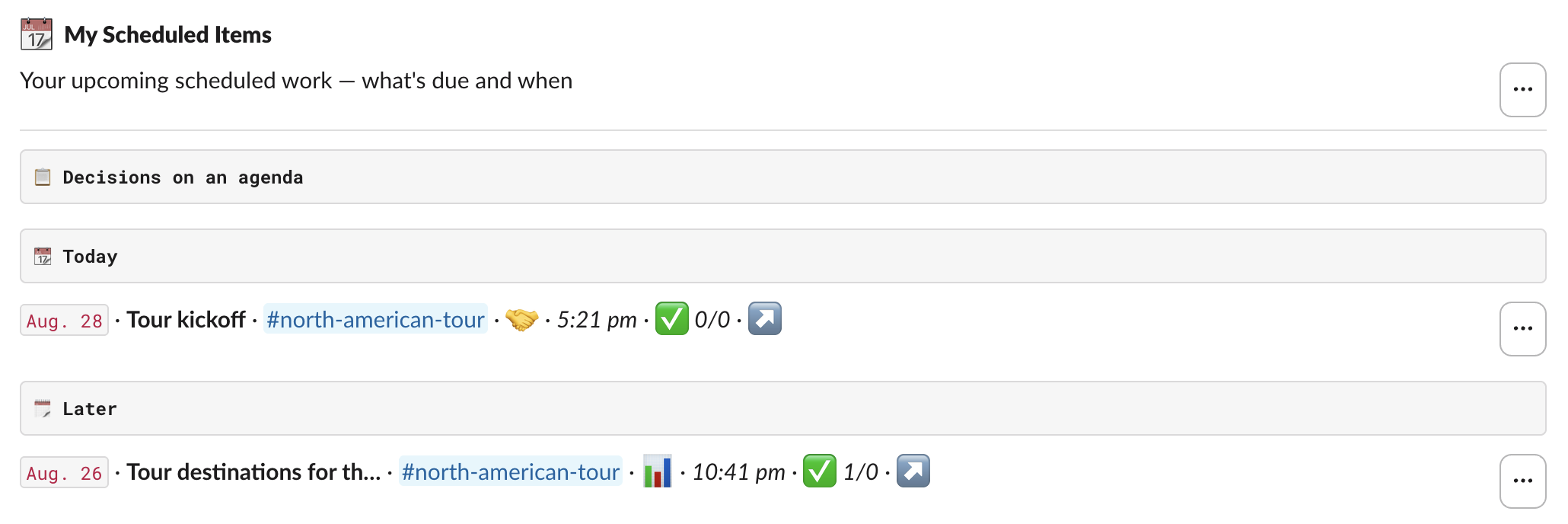
📅 My Scheduled Items view
Everything with a date, grouped so you can see what is coming rather than scrolling for it.
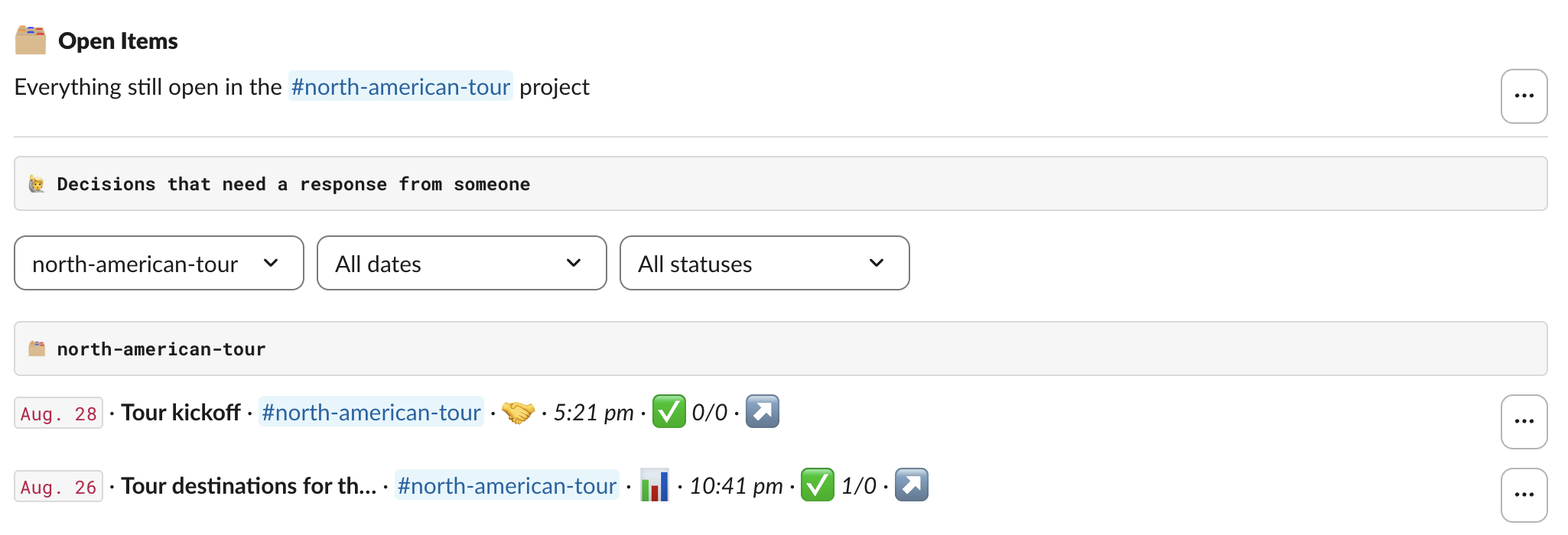
🗂 Open Items view
All decisions still open across every nook and cranny. Filterable so you can find what you are after.
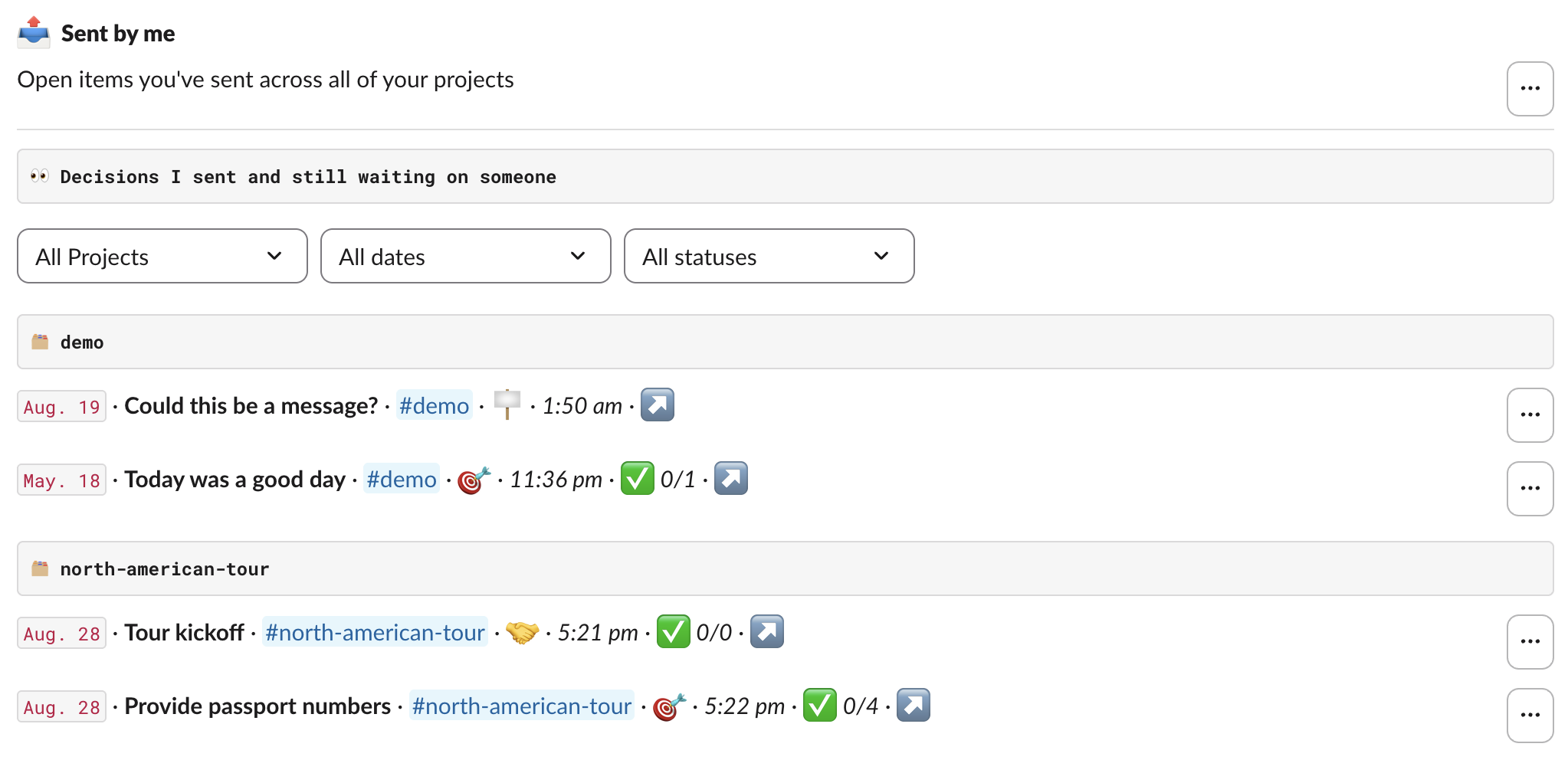
📤 Sent by me view
The things you asked other people for. Following up does not mean scrolling your own message history.
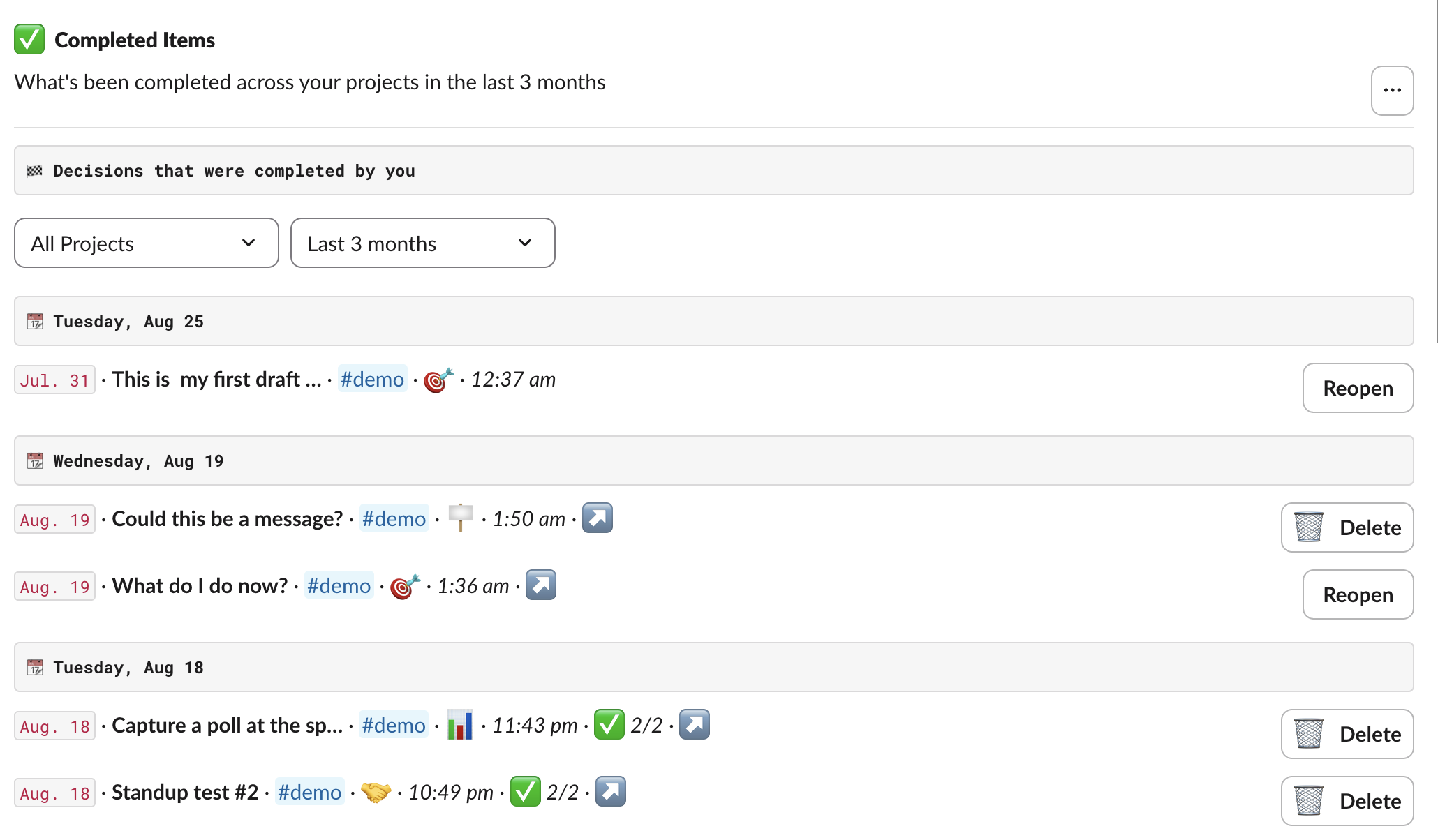
✅ Completed Items view
The work your team is getting done. See the progress on the work and observe what got finished in the last three months.
A new layout begets new features
The rebuilt Slack Home leads to some fresh new features to help you not forget anything, focus on a specific task, and see what your team is up to.
Your Top 3
Favorite up to three items from any list and they ride along at the top of your plate, no matter where they actually live. Useful for the thing you keep meaning to get back to.

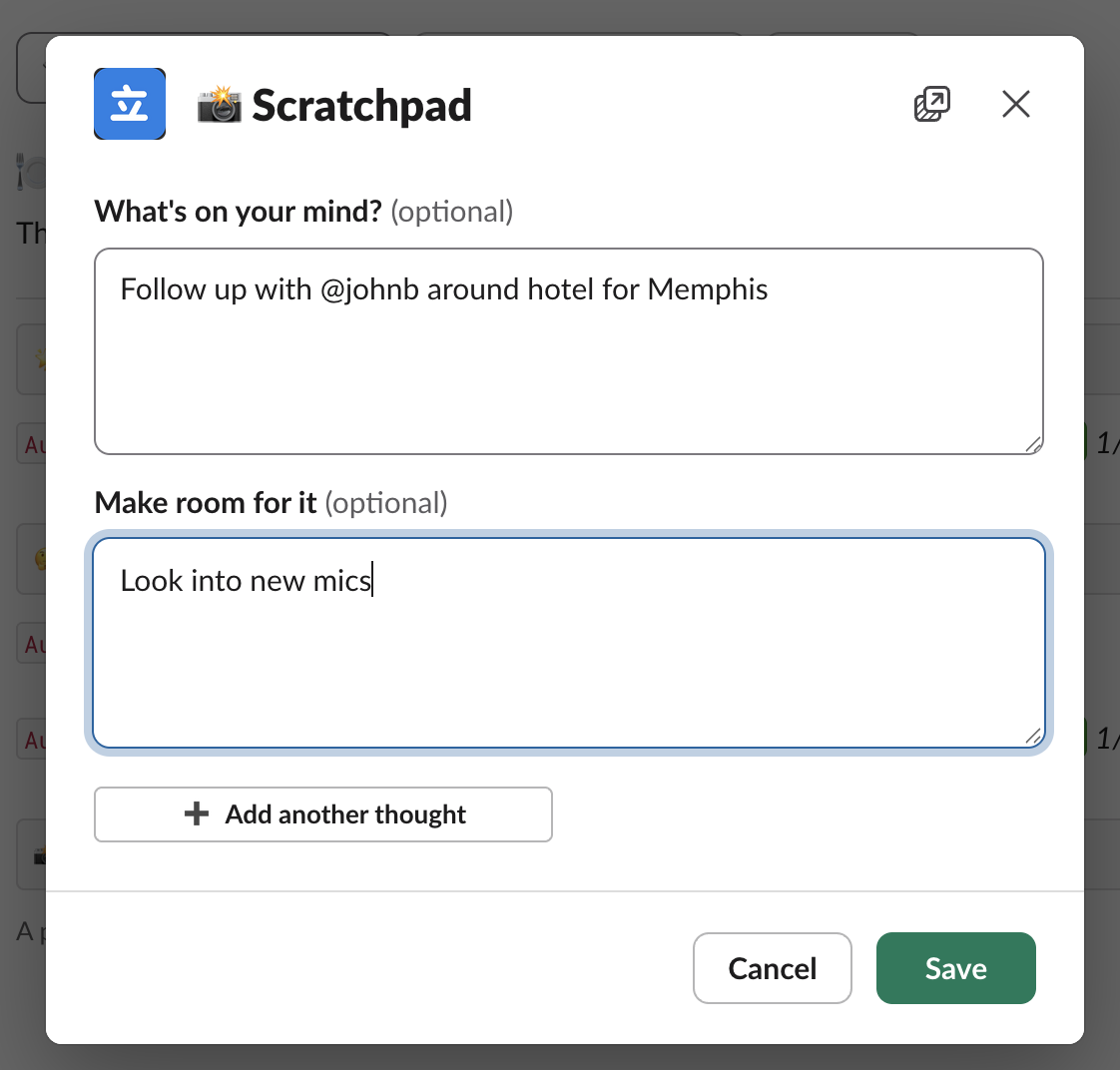
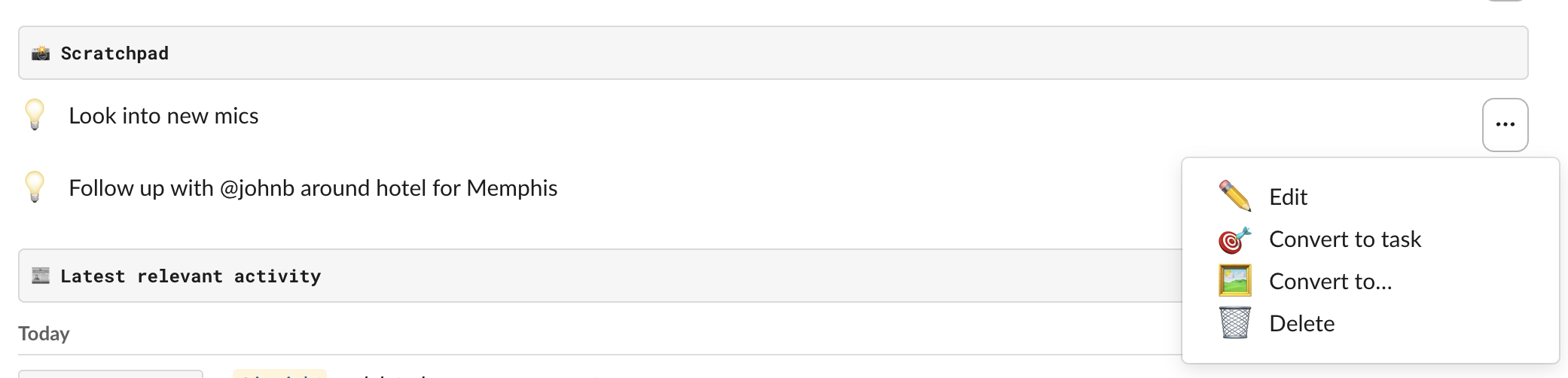
A scratchpad for half-formed thoughts
Capture a note without deciding what it is yet. When you know, convert it in place — a task, a sync-up, a poll, or an announcement — and Tatsu hands it to you for some fine-tuning.
A feed that tells the story of the work
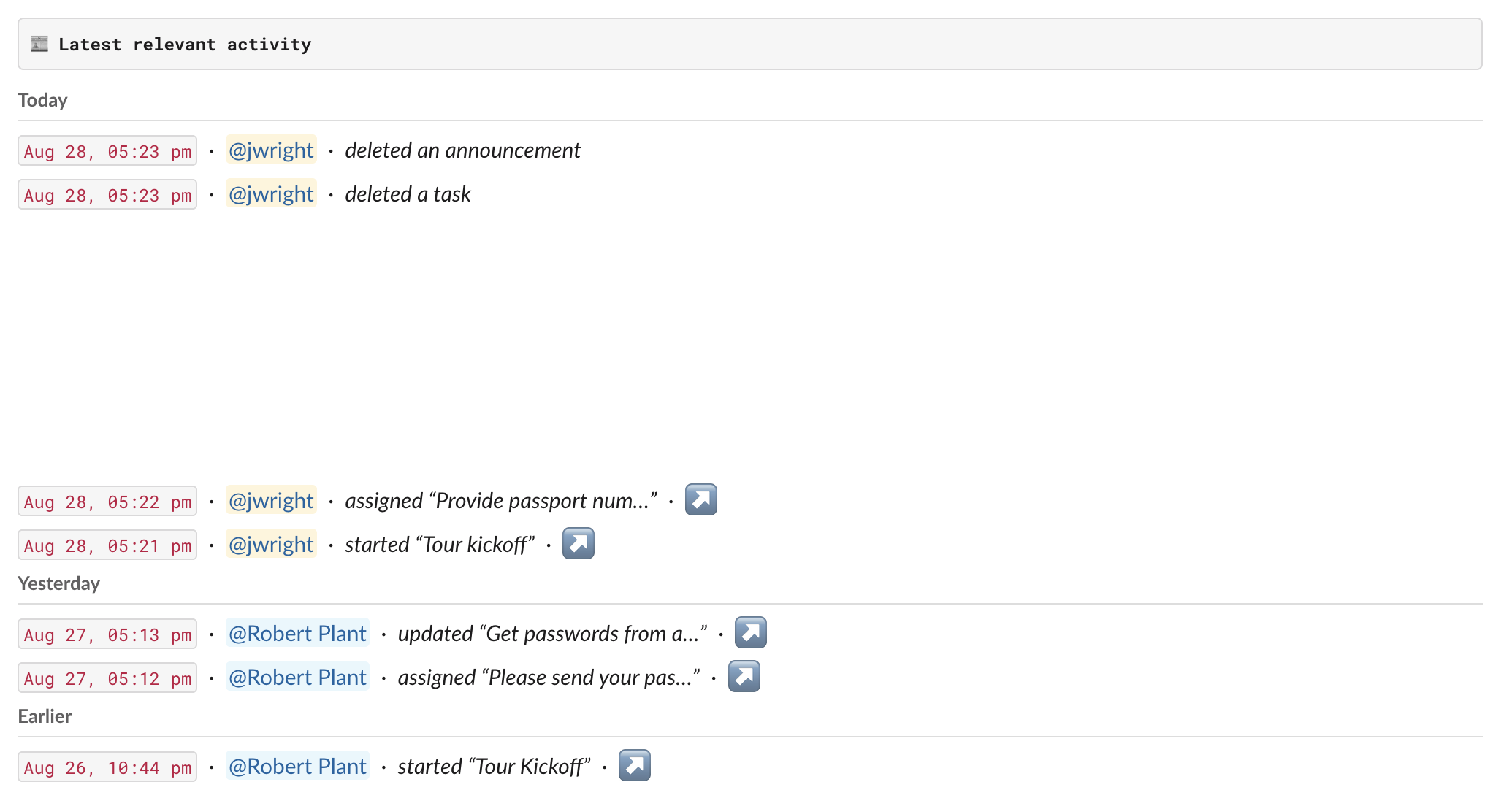
See what changed on the things you are part of with links straight back to the original decision.
🛼 Preview release is rolling out now
The new Tatsu dashboard is being scattered among all the teams over the next month.
In the coming weeks you may see a banner on your existing Tatsu Slack Home asking if you are interested in giving the new dashboard a spin.
You have the option to simply ignore it if you are not interested or opt-in. Opting-in will show you all of your current work in the brand new dashboard.
If the new dashboard is missing something you need or want, you will be able to simply go back. Let us know when this is the case.
If you want to jump the line, please reach out inside Slack with the /tatsu feedback command.

Kill the meeting
Get more done with asynchronous discussions using the building blocks that Tatsu provides.
 Add to Slack