A new billing manager in town
By: Jamie Wright
Efficiently manage your Tatsu subscriptions
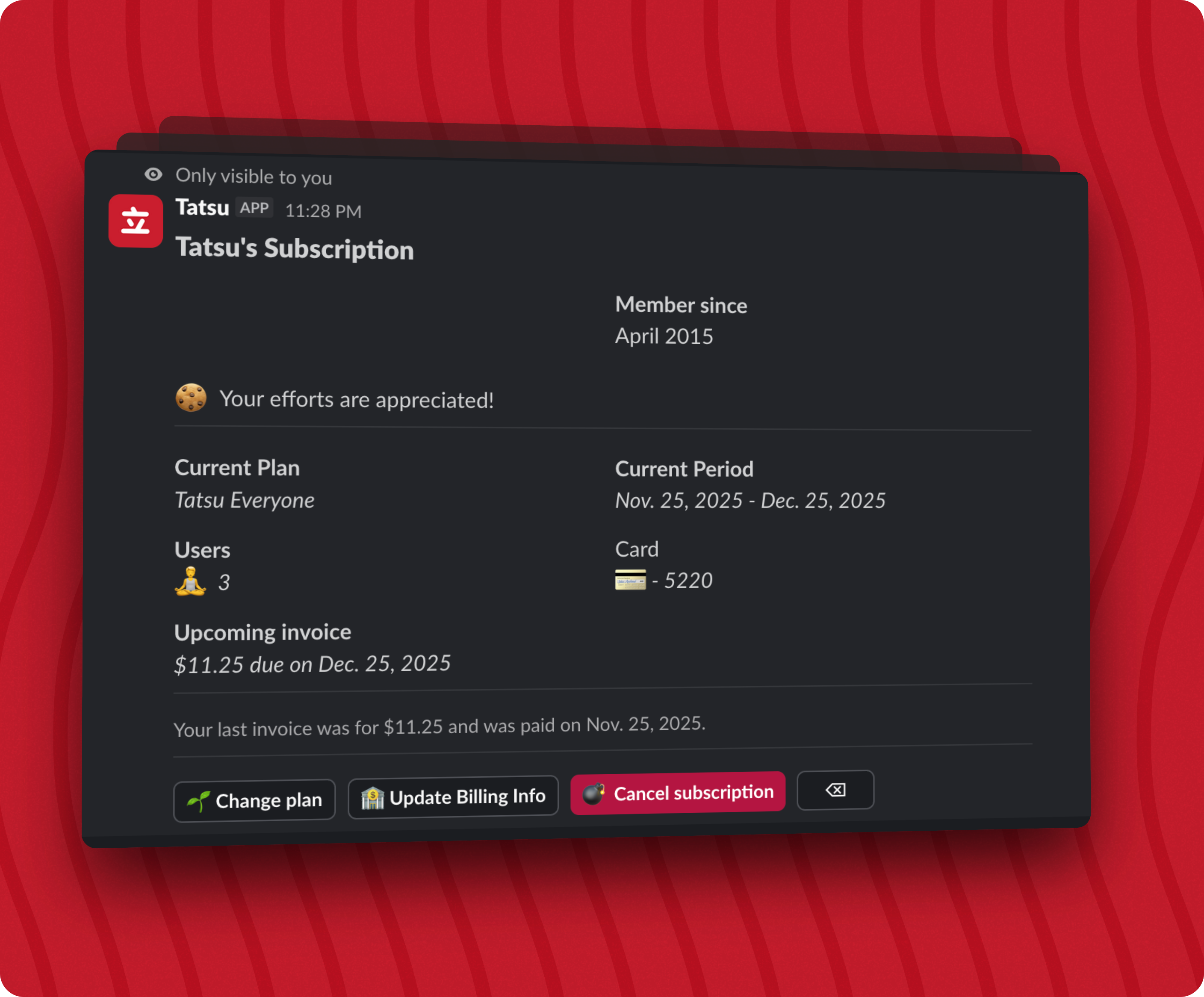
A new secondary command on the /tatsu Slack Slash Command is here: /tatsu billing.
This new command displays a message only you can see and enables the team administrator to manage your Tatsu subscription directly from within Slack.
The message displays your current subscription plan, the number of active users on your plan, and the next invoice alongside it’s upcoming date and future invoice amount. Your current Tatsu subscription available at any time.
The message allows you to perform several actions if you are the team administrator.
🌱 Change your plan
You can now change your subscription plan right from within the gorgeous new billing message in Slack. Clicking on Change your plan will send you to our secure Stripe-hosted billing portal where you can upgrade or downgrade your plan as needed.
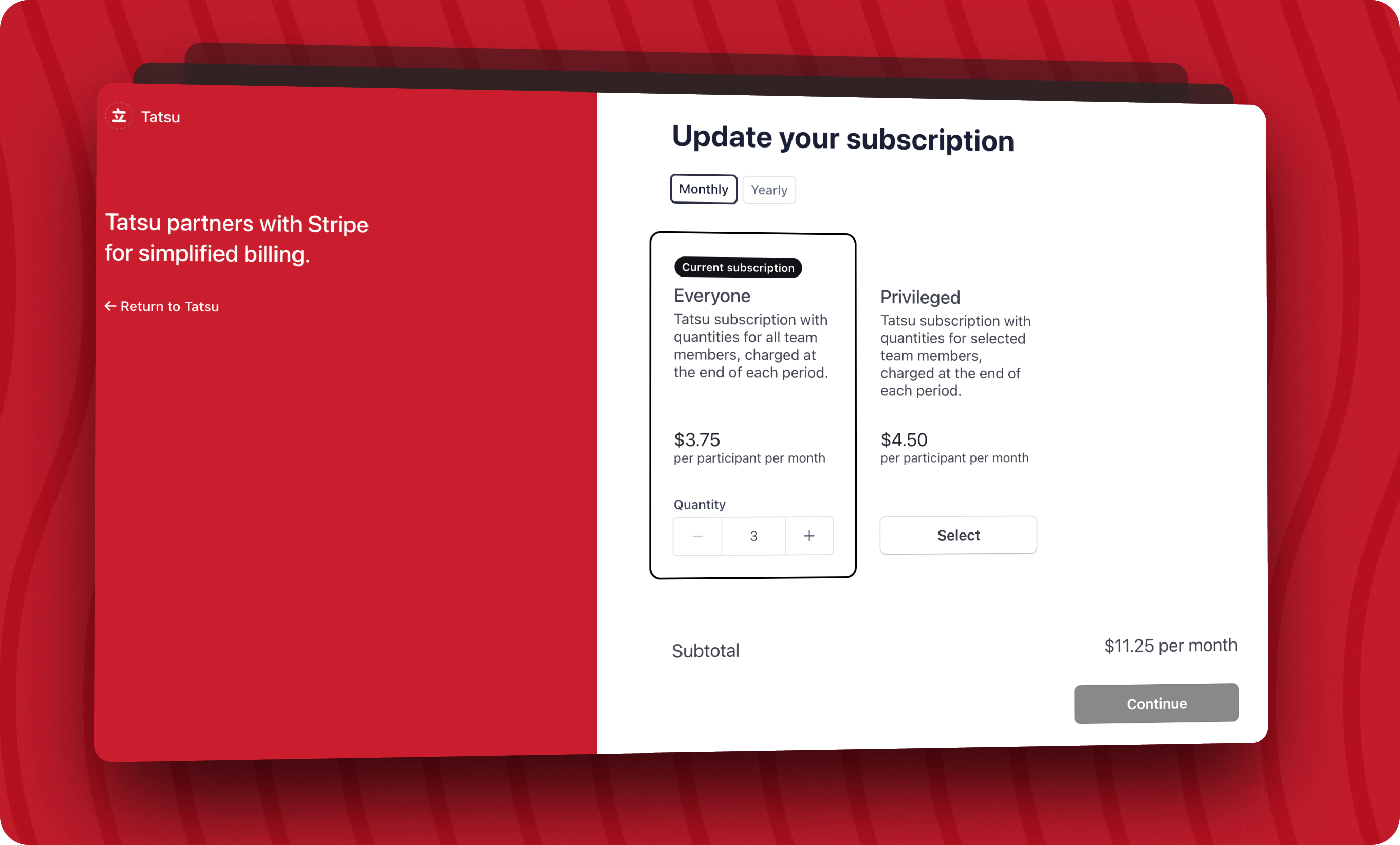
Plan changes will be prorated based on how far you are in your current billing cycle, what plan you are switching to, and is based on your current team quantity. You can read more about how the subscription pricing works at https://tatsu.io/pricing#faq if you’re curious.
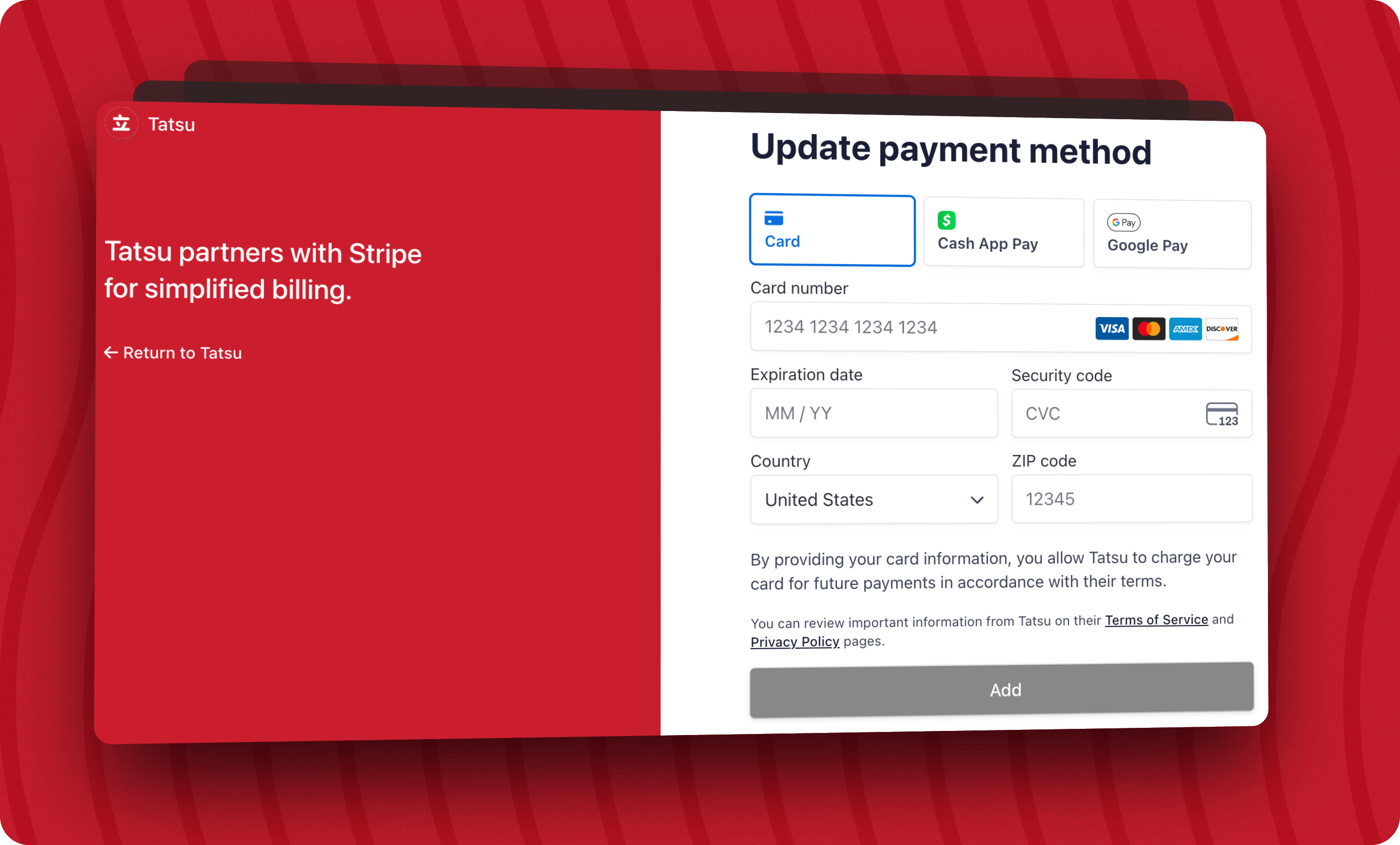
🏦 Update your billing info
If your team’s credit card expired or the money person left the team, you can update your payment method and billing info conveniently from within Slack. Handled lovingly again by Stripe’s billing portal.
💣 Manually cancel your subscription
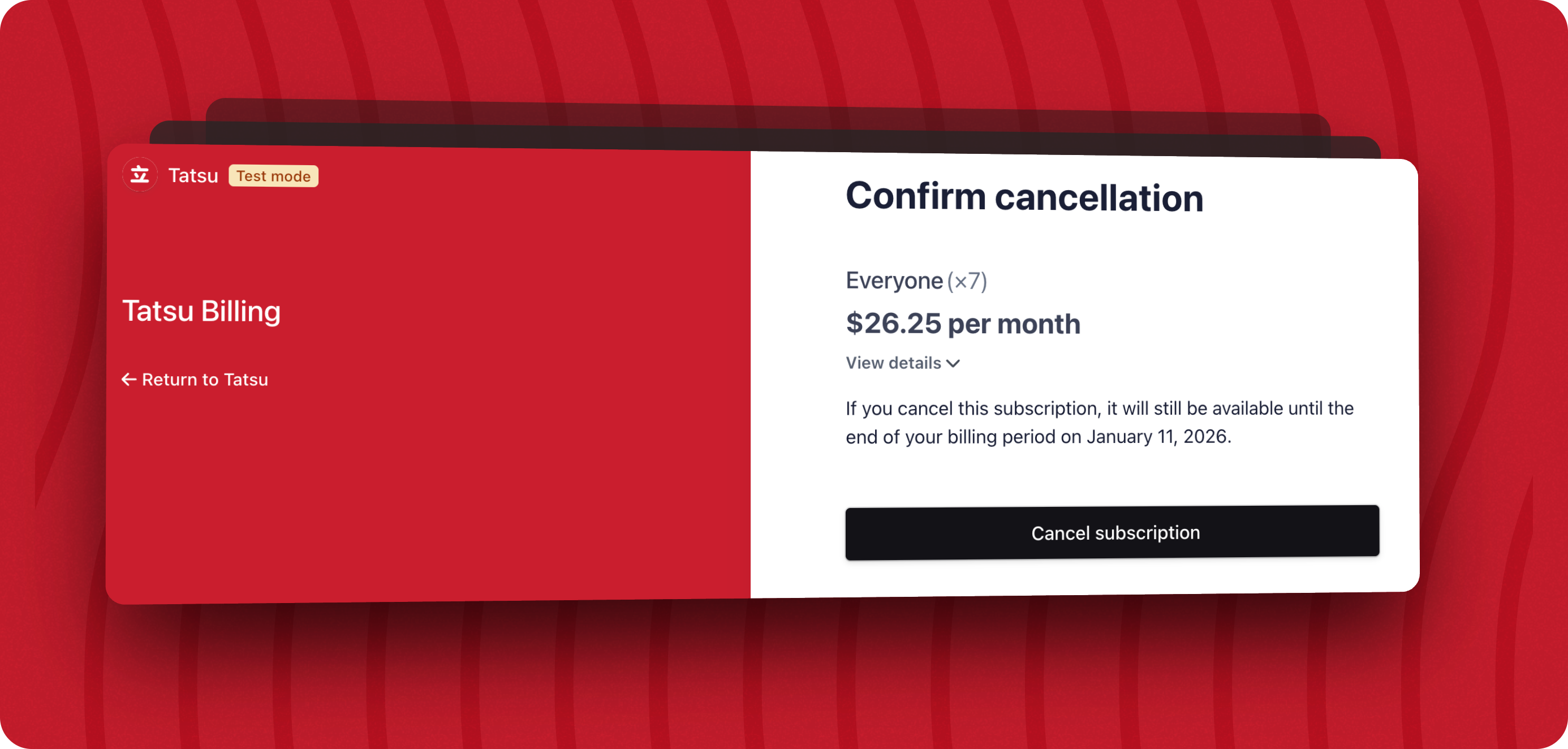
Good news. You are no longer required to uninstall Tatsu in order to cancel your Tatsu subscription.
Now you can cancel by clicking the Cancel subscription button. This will take you to the secure Stripe-hosted billing portal once again, where you can confirm the cancellation.
🪑 Manage your privledged users
If your team is subscribed to one of the Privledged plans, you can manage your users at any time instead of only at the end of the subscription’s billing period. You can add or remove users as needed, and the changes will be reflected in your next invoice.
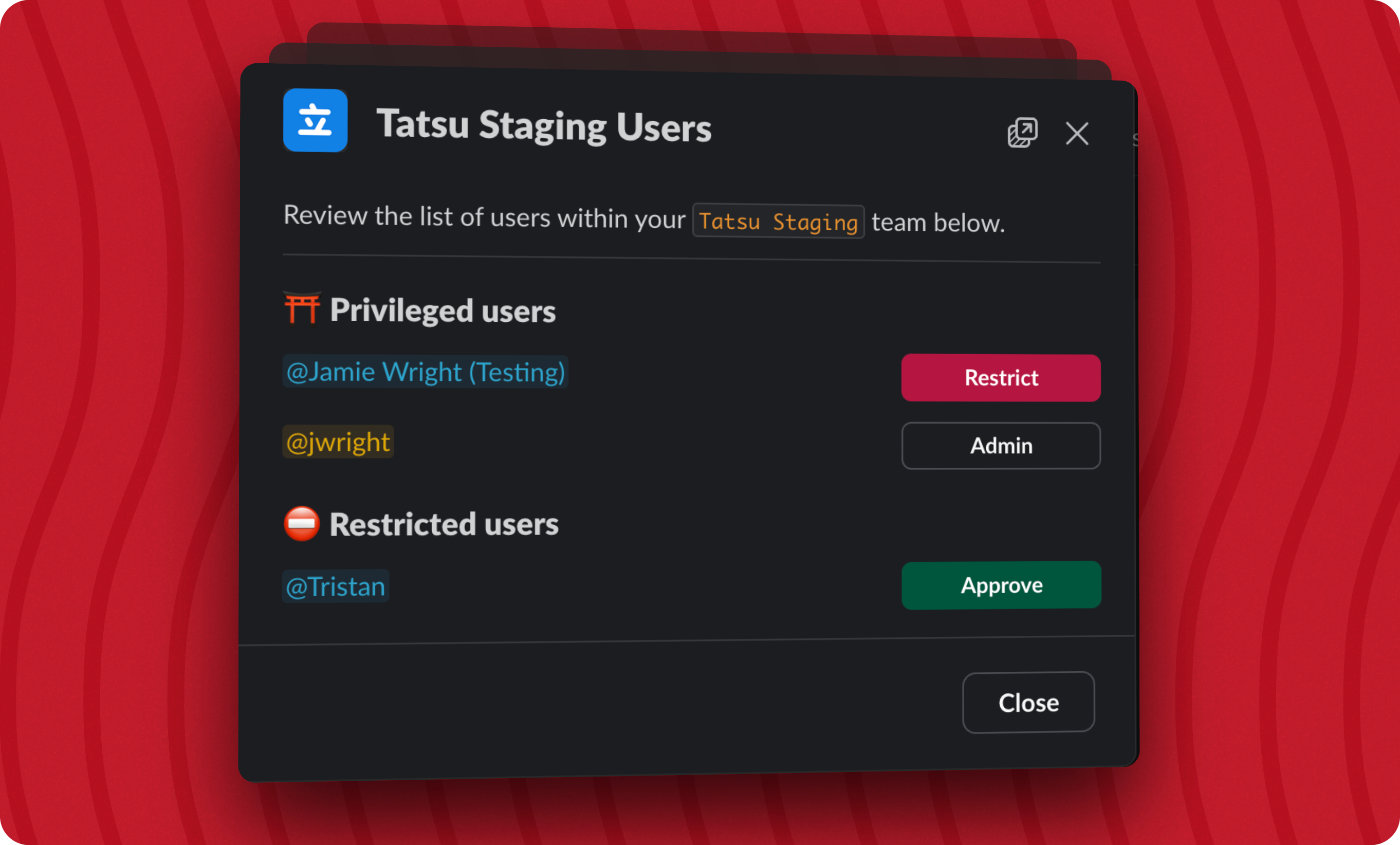
You will only see this option if your team is subscribed to a Privledged plan.
Up next
Now that we have that boring stuff out of the way 😅, we can get back to building exciting new features for Tatsu that help teams work collaboratively.
I am currently working a brand new Slack App Home dashboard that will be much more useful and easier to use. 🥳
A new On Your Plate section will communicate what needs to be done and who may be waiting for your response. It helps you navigate what is up next when you have a break in your tasks. Coming later will be a feature to help anyone capture anything that is on your mind and deal with it when the time is right.
Additionaly, I implemented an initial version of Task Numbers but it was not as flexible nor reliable as I wanted.
So, I am reworking a bit to make it more robust and useful alongside the new Slack App Home dashboard. They both require reworking the underlying task model so both of these features will be released in quick succession.
My hope and Christmas-wish is that Outside Tasks will be a rapid follow up. A lot of ground work has already been laid to enable this and a beta feature ready for testing soon. Reach out if you are interested in trying it out.
Until next time. 🌎✌️

Kill the meeting
Get more done with asynchronous discussions using the building blocks that Tatsu provides.
 Add to Slack